
Apply column filters and sorting in the Search tab tool to narrow the runner list and focus on the apps and metrics that matter most for your analysis.
Filter the runner list
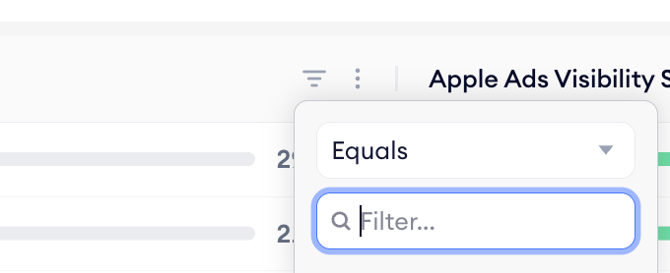
- Find the column you want to filter on in the runner table header.
- Click the filter icon next to the column name.
- Set your filter conditions and apply.
Filters from different columns stack together, so you can narrow the list to, for example, apps in a specific category with impression share above a chosen threshold.
Sort the runner list
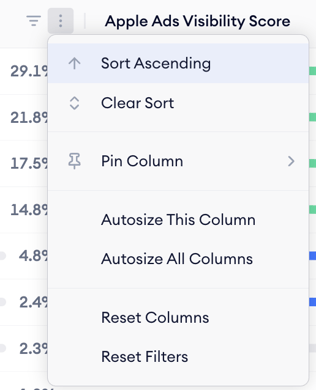
Click any sortable column header to sort the runner list by that metric. By default, the list is sorted by impression share, so the apps dominating the Search tab on the selected date appear at the top.
Related links
Need more help?
If you have further questions or run into any issues, reach out to your dedicated Customer Success Manager or contact the support team via live chat.