
Search tab data is scoped to a specific storefront and date. Adjust both to analyze Search tab ad activity for the market and day you care about.
Change the region
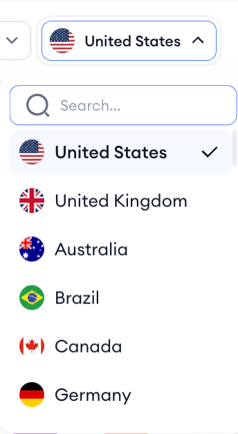
- Open the country selector at the top of the page.
- Pick the country whose Search tab activity you want to analyze.
- The runner list reloads with data from that market.
Change the date
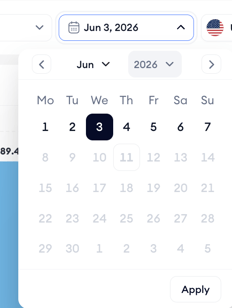
- Open the date picker at the top right of the page.
- Select the date you want to analyze.
- The list refreshes to show the apps detected running Search tab ads on that day.
Search tab data is reported daily, so step through consecutive dates to see how the runner list shifts day over day.
Related links
Need more help?
If you have further questions or run into any issues, reach out to your dedicated Customer Success Manager or contact the support team via live chat.