
Product Page tool in Search Ads Intelligence reveals Apple Ads activity at the product page level. It surfaces two sides of the placement: which apps are running ads on a selected app’s product page, and which product pages that app is itself advertising on. Each view includes impression share, Apple Ads Visibility Score, and category for every app in the list.
The two views
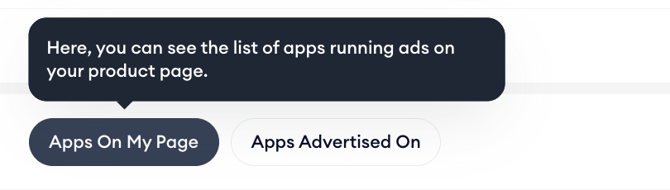
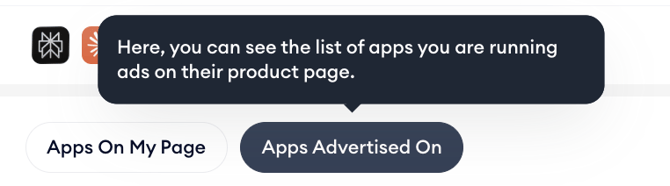
The Apps On My Page view shows every app detected running ads on the selected app’s product page. This is the list of competitors targeting your audience at the exact moment they are reading your app’s store listing. The Apps Advertised On view flips the perspective and shows every product page where the selected app is running ads, revealing which competitor or adjacent app pages it is targeting to win incremental installs.
When to use Product Page
- Identify which competitors are advertising directly on your product page and evaluate whether their impression share is significant enough to warrant attention.
- See which product pages your own app is being advertised on and assess whether those placements align with your targeting strategy.
- Compare impression share across apps in the same category to see who is dominating Product Page placements in your space.
- Track how the apps running on your product page change over time to spot new entrants targeting your audience.
Related articles
- View apps running ads on your product page
- View product pages where your app is advertised
- Read the performance metrics
- Filter and sort the app list
- Set the region and date
Need more help?
If you have further questions or run into any issues, reach out to your dedicated Customer Success Manager or contact the support team via live chat.