
This article shows you what the AI Portfolio Summary covers and how to enable it.
What the AI Portfolio Summary covers
The AI Portfolio Summary provides a concise, natural-language overview of portfolio performance and optimization opportunities based on the selected apps. It uses Spend, Installs, CPA, and CR from the last 28 days and evaluates each app's Portfolio Position against the portfolio averages.
Before you begin
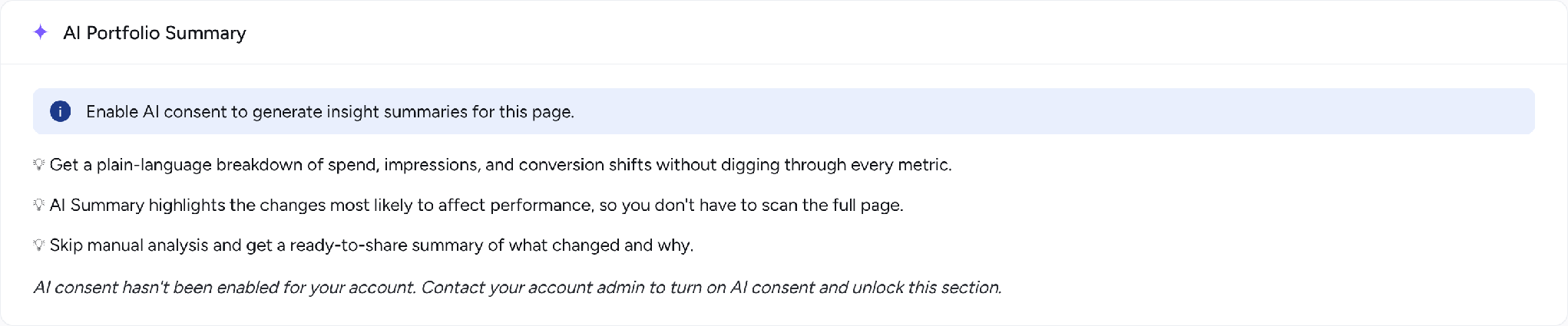
The AI Portfolio Summary requires AI Consent to be enabled for your account. If AI Consent has not been enabled, the AI consent wall is displayed instead of the summary.
Instructions
1. If you are an Account Admin, enable AI Consent directly from the AI Summary widget, or go to Settings > User Details.
2. If you are not an Account Admin, contact your account administrator to enable AI Consent.
Related links
Understanding App Performance metrics
How to analyze your app portfolio with App Performance
App Performance FAQ
Need more help?
If you have any questions, feel free to reach out to your dedicated Customer Success Manager or contact us through live chat.